
Delivered
Content-neutral tabs
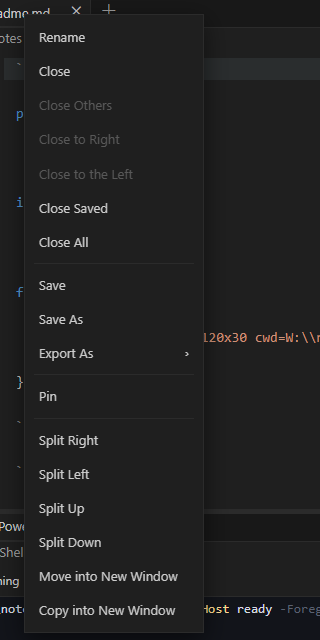
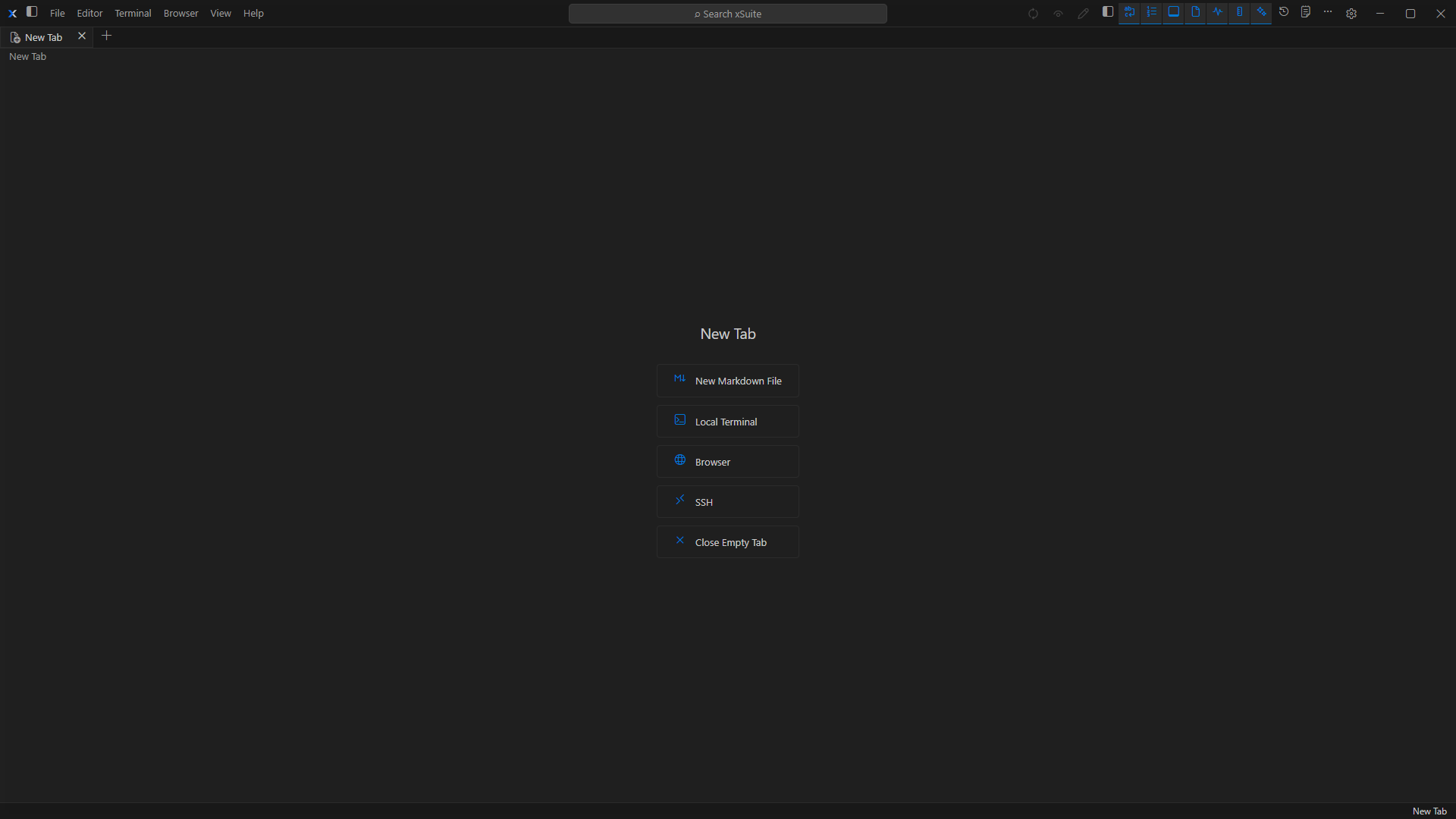
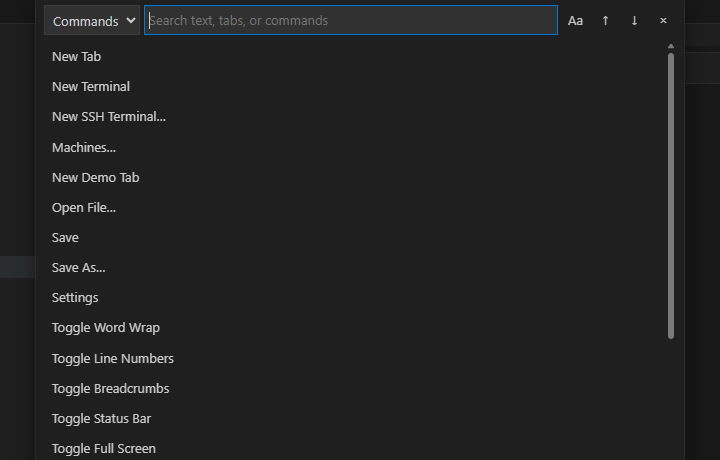
The New Tab chooser converts one tab in place to Markdown, Local Terminal, Browser, or SSH while preserving its identity, pane, and pin state.
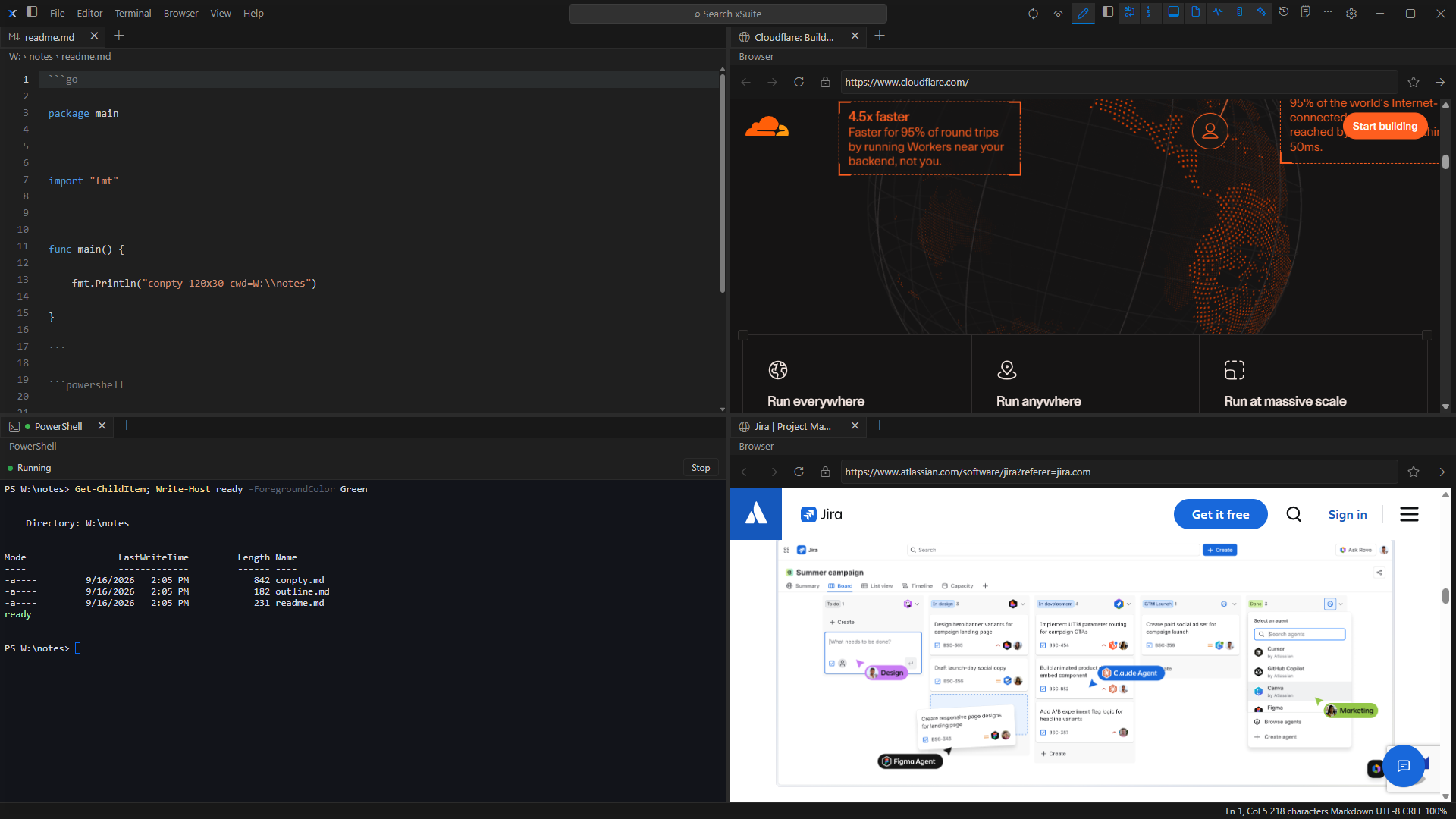
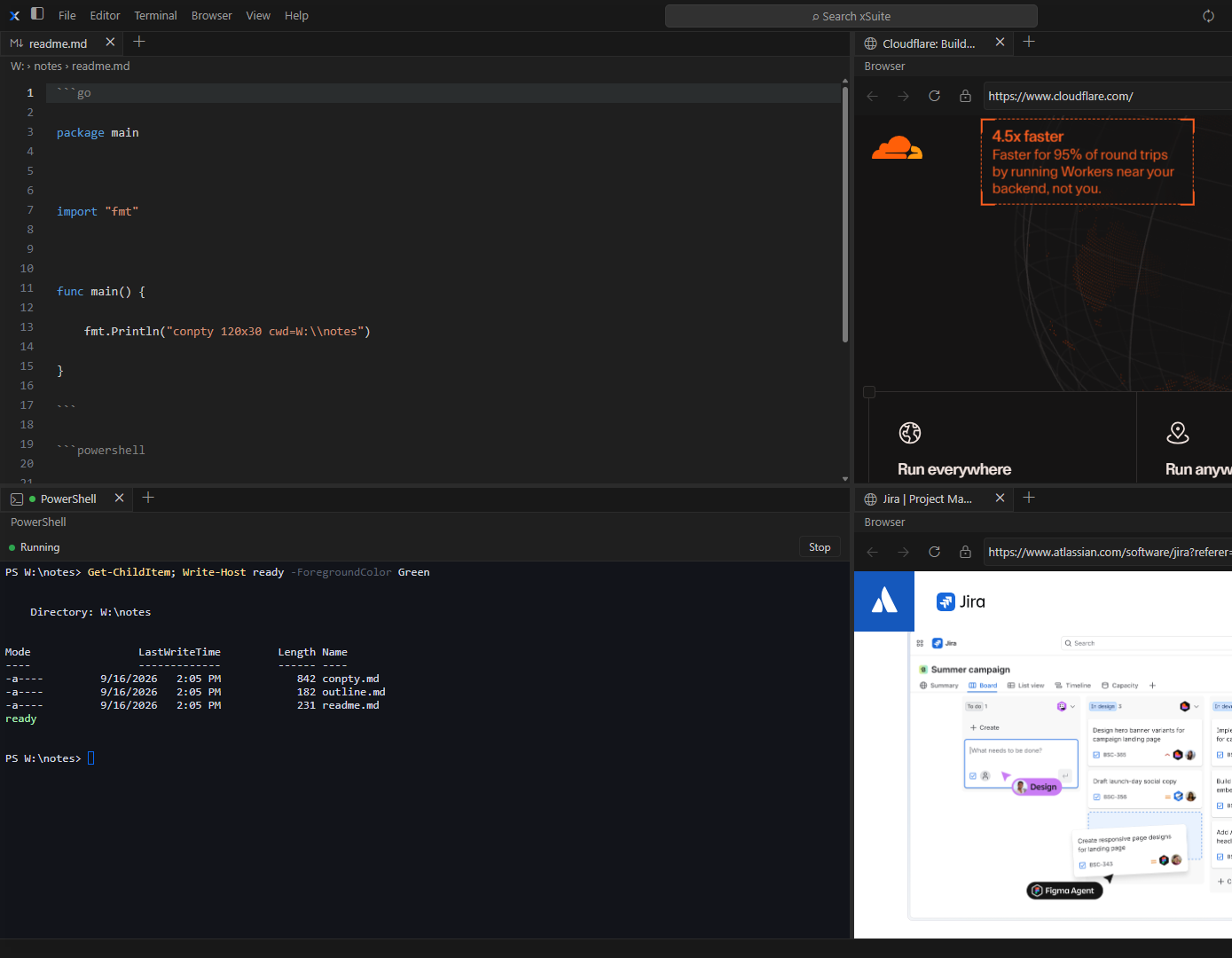
xSuite brings Markdown, local terminals, SSH, and browser tabs into a modular pane-based Windows workspace. The frames below show the current Windows UI—not other operating systems.
Shared workspace
Tabs choose content. Panes and windows arrange it. Each module recovers according to its own safety needs.
The New Tab chooser converts one tab in place to Markdown, Local Terminal, Browser, or SSH while preserving its identity, pane, and pin state.
Split Left, Right, Up, or Down; drag-split bisects the drop target; empty panes collapse. The persisted grid supports up to 6 columns and 5 rows per column.
Supported tabs can move or copy into separately recoverable windows. Live terminal sessions reconnect or restart at the destination.
Documents and workspace structure recover, local terminals return stopped, SSH returns disconnected, and browser tabs return suspended.
Editor
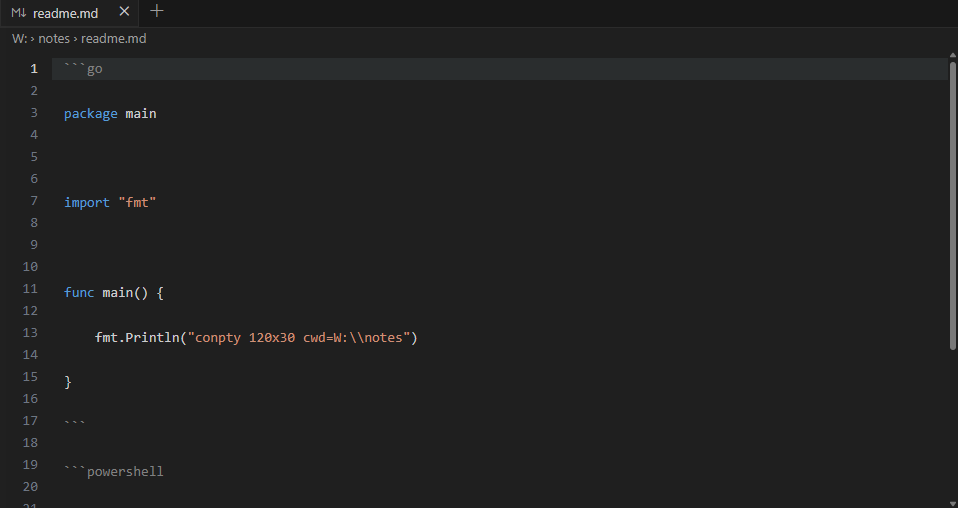
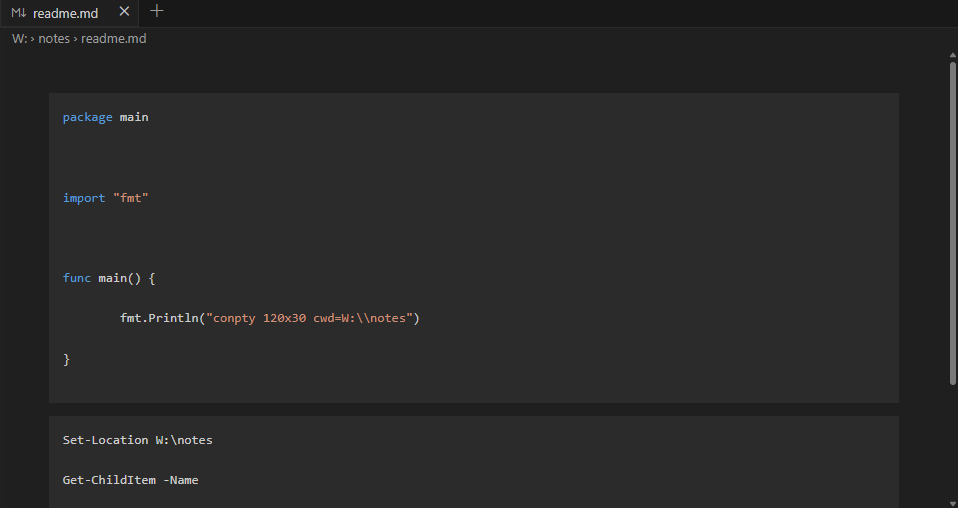
DeliveredThe preserved editor foundation keeps writing, preview, navigation, and file safeguards close while the rest of the workspace stays available.
The current Explorer is scoped to a Markdown document folder. A standalone file-management module is planned.
Terminal
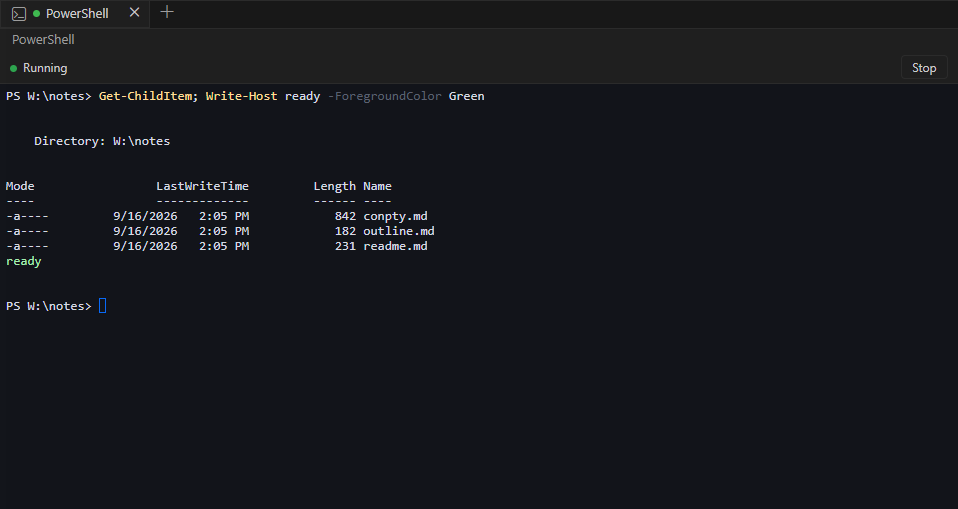
Verification pendingLocal ConPTY sessions and remote SSH sessions share xSuite’s terminal surface, tab behavior, resize path, and recovery model.
The local terminal packaged-desktop checklist remains pending. SSH keyboard-interactive/2FA, Pageant, jump hosts, forwarding, and SFTP are not supported.
Browser
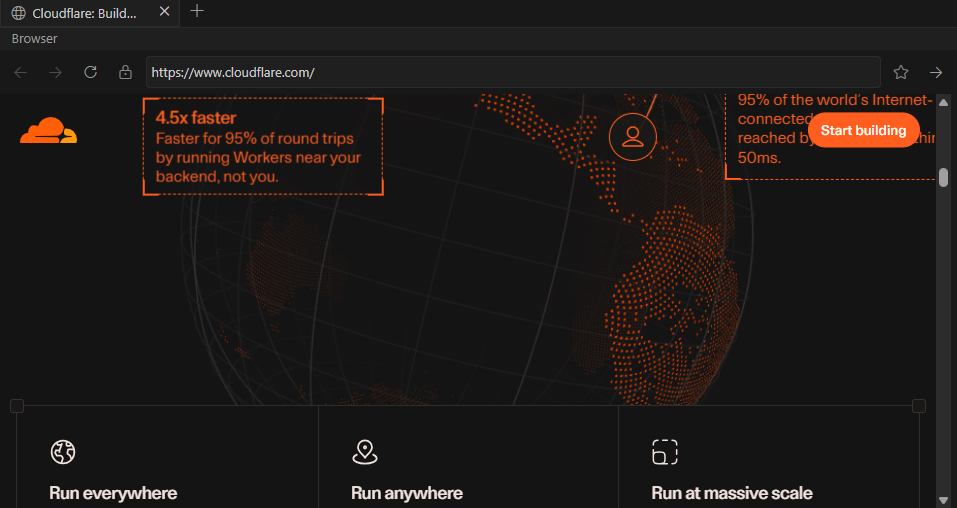
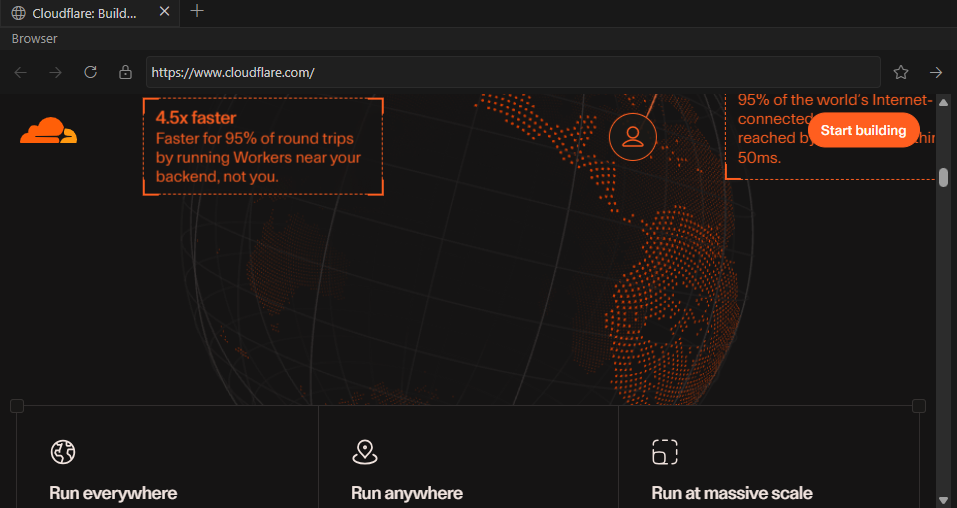
Verification pendingNative WebView2 browser tabs keep page content isolated from xSuite command bindings and use a separate browser profile.
Filesystem, USB, serial, and Bluetooth requests are denied without a prompt. Profiles, tab groups, extensions, password-manager UI, tracker blocking, and default-browser registration are deferred. The packaged desktop acceptance checklist remains outstanding.
Chrome gallery
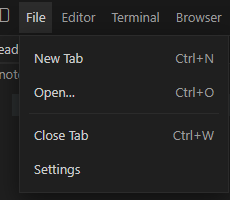
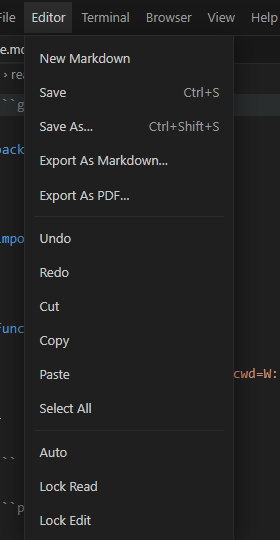
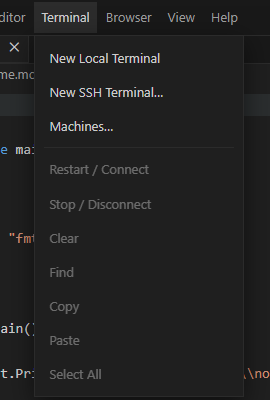
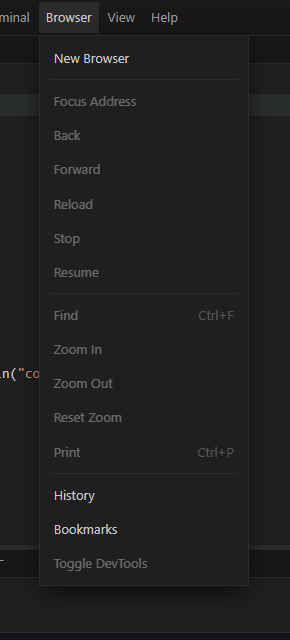
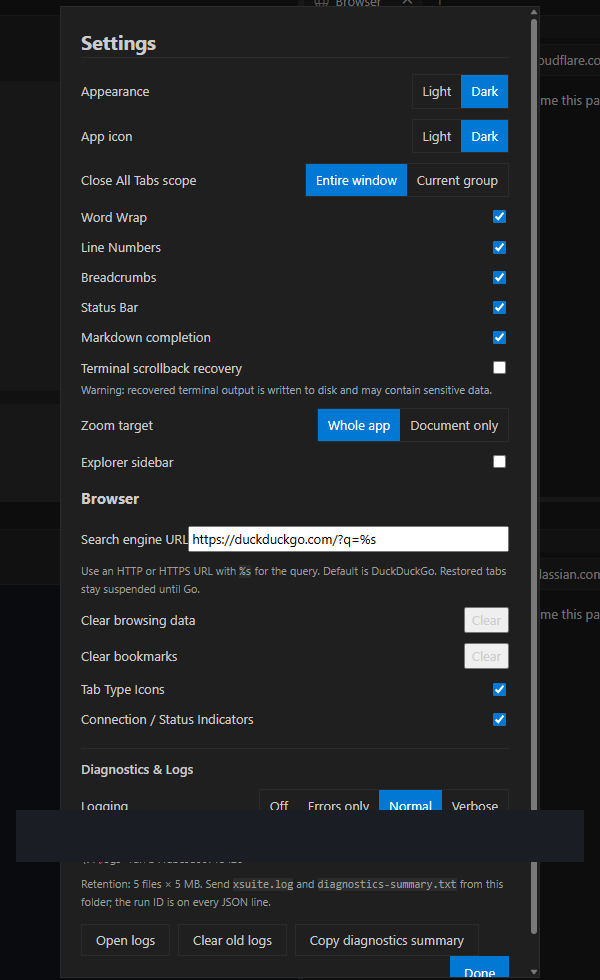
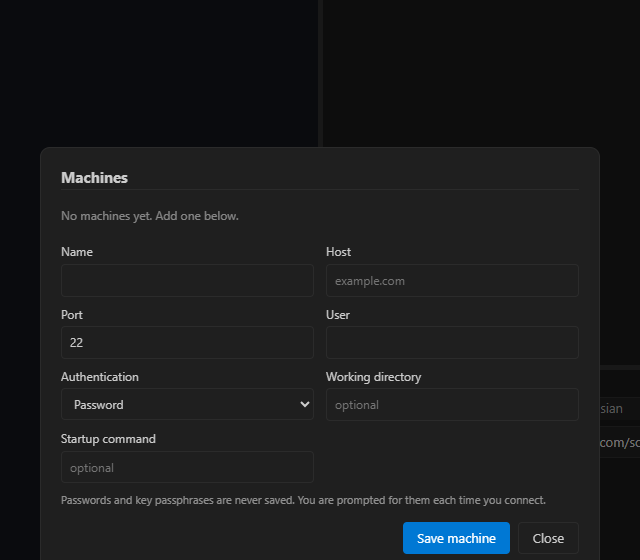
These are cropped from the same Windows capture session. No stock photos and no illustrated stand-ins.
Development status
xSuite v0.9.0 separates implemented work from limitations, outstanding observation, future direction, and public availability.

Implemented in the current desktop baseline with the stated scope.
Available now with a material constraint that should be understood.
Implemented and covered by automated evidence, with required desktop observation still outstanding.
Roadmap intent only; this is not a currently available capability.
Intentionally not offered through the current public website.
These foundations are implemented in xSuite v0.9.0. Individual constraints remain listed with each module.
Editor and preview modes, saving safeguards, exports, search, breadcrumbs, status details, completion, image paste, and document-folder Explorer behavior.
Content tabs, pinning, reordering, pane movement, multiple windows, module-owned recovery, and forward-compatible placeholders.
Machine profiles, one-shot credentials, password/key/agent authentication, strict known-host verification, resize, reconnect, and disconnected recovery.
Native WebView2 controllers, omnibox URL-vs-search, HTTPS lock, bookmarks, Downloads-folder downloads, per-origin permission prompts, find/zoom/print, DevTools toggle, suspended restore, and hidden native surfaces when a browser tab is not shown.
Settings includes Diagnostics & Logs with Off, Errors only, Normal, and Verbose. Logs rotate under the local app data folder, include a run ID, and exclude documents, terminal output, clipboard, and secrets.
Passing automated suites do not replace the outstanding packaged desktop checks.
ConPTY, streaming, resize, search, restart, recovery, and safety suites pass; the recorded interactive PowerShell and WebView2 checklist still needs direct observation.
URL-vs-search, history cap, permission persistence, and download-path safety pass Go tests. Interactive observation of omnibox, history/bookmarks, a real download, find/zoom/print, lock icon, a permission prompt, DevTools, isolation, and mixed-DPI/popup/overlay behavior remains outstanding.
The 6-by-5 grid, four-way splits, drop-target drag overlays, persistence, and collapse behavior are implemented; multi-pane desktop interaction remains outstanding.
The Windows OpenSSH harness passed protocol and authentication cases. GUI-only coexistence and cross-window transfer observations remain separate.
These directions are intentionally presented as future work rather than product promises.
Full file management beyond the Markdown-scoped document-folder Explorer.
Broader proof and refinement across Markdown, local terminal, SSH, browser, and future file-management workflows.
Nested split trees beyond the current grid, named and recent workspaces, unified search, command palette, notifications, and permanent xSuite identity.
Getting started
These steps describe the current desktop model. They do not imply that a public package is available from this site.
Use Windows 10 or 11 on x64 with Microsoft Edge WebView2 Runtime installed. This website does not currently provide the application package.
Open the New Tab chooser and select Markdown, Local Terminal, Browser, or SSH. The selected module converts the existing tab in place.
Pin or reorder tabs, split a tab left, right, up, or down, or move it onto another pane’s tab strip. Supported tabs can also move or copy to another window.
Documents recover; local terminals restore stopped; browser tabs restore suspended until Go.
Documents and layout recover normally, while local terminals return stopped, SSH returns disconnected, and browser pages return suspended.
Choose Markdown, Local Terminal, Browser, or SSH. Double-clicking blank tab-strip space opens the same chooser.
Creates a document directly without using the chooser.
Starts a PowerShell-first terminal backed by Windows ConPTY.
Selects a non-secret machine profile, then requests any password or passphrase only for that connection attempt.
Opens isolated browser controls with an omnibox. Restored pages stay suspended until Go is selected.
Split Left, Right, Up, or Down. Dropping on another tab strip moves the tab without adding a pane.
Recoverable document and workspace state returns with tab identity, pane placement, pinning, and supported module configuration.
Local terminals recover stopped; SSH terminals recover disconnected. xSuite performs no automatic remote connection on launch.
Saved browser tabs recover suspended and do not navigate until Go is selected.
Scrollback recovery is off by default, opt-in, sanitized, and capped because terminal output can contain sensitive content.
On first launch, xSuite copies recoverable xMark data from %LOCALAPPDATA%\xMark\v2 into %LOCALAPPDATA%\xSuite\v1. Migration is idempotent and never writes to the original xMark store.
SSH machine profiles store non-secret connection details and optional key file paths. Passwords and passphrases are requested for one connection attempt and are never saved.
Unknown hosts require fingerprint confirmation. A changed recorded host key is always refused with no in-app override.
Settings includes Diagnostics & Logs with Off, Errors only, Normal, and Verbose. Logging defaults to Normal, writes rotating JSON logs with a run ID, and never includes documents, terminal output, clipboard, or secrets.
Remote pages receive no xSuite command bindings, and web messaging stays disabled. Camera, microphone, geolocation, notifications, and clipboard prompt per origin; filesystem, USB, serial, and Bluetooth are denied without a prompt. Downloads save to the user Downloads folder. Native surfaces hide when the tab is not shown.
Availability
The current desktop baseline is still being developed and verified. No public xSuite binary, installer, source archive, or release channel is available from this site.
xSuite is a Windows x64 desktop application. No macOS, Linux, iOS, or Android build is offered.
The desktop interface requires WebView2, normally present on Windows 11 and most Windows 10 installations.
No xSuite executable, installer, source archive, checksum, or automatic download is available from this website.